How to Track Tennis & Padel Matches with Racketly
Just downloaded Racketly? Here is everything you need to know to start tracking your tennis and padel matches like a pro.
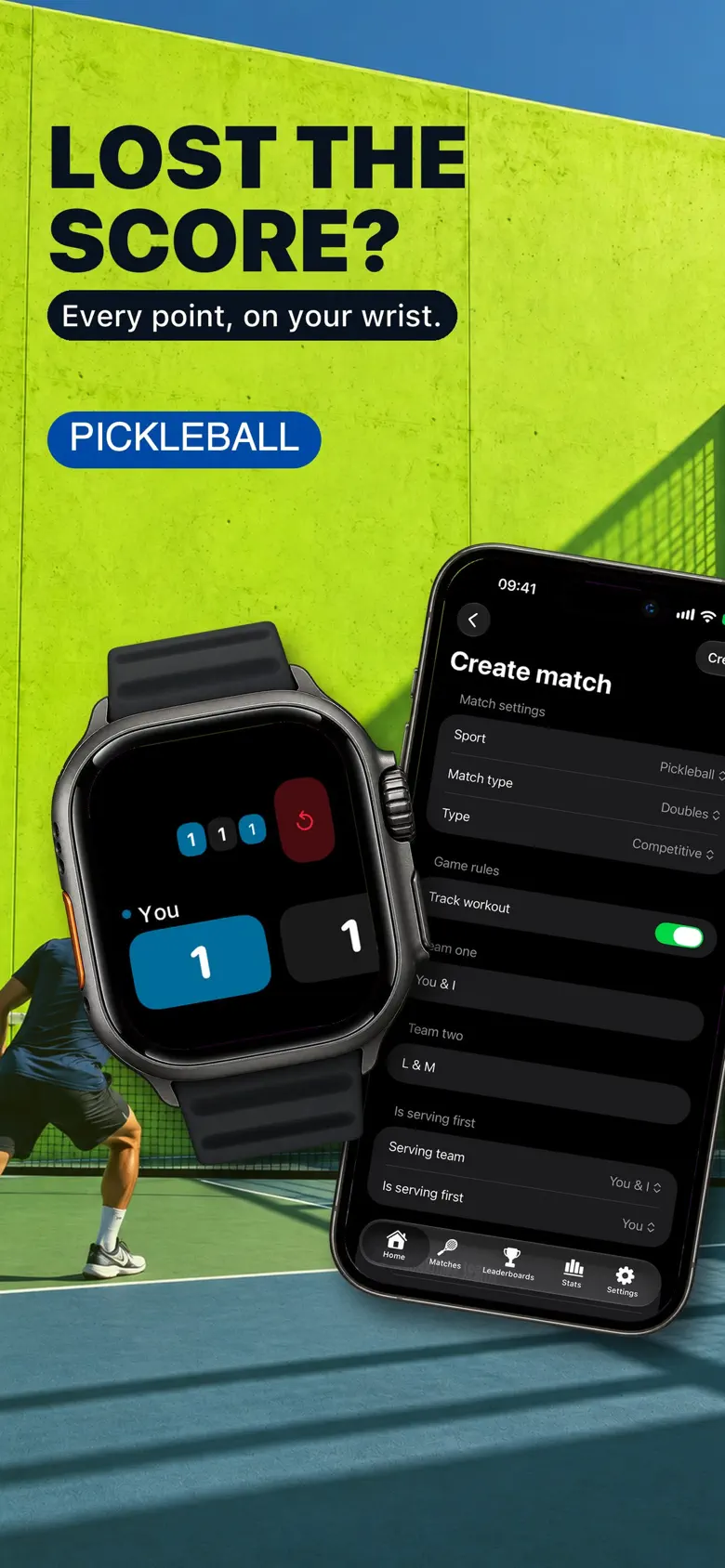
Welcome to Racketly! Whether you are a weekend warrior or a competitive league player, tracking your improved performance starts here. This guide will walk you through your first match.
1. Quick Setup
Before you step on the court, make sure you've granted the necessary permissions. Racketly uses HealthKit to track your calories and heart rate during the match. When prompted, allow the health data categories you want to record.
2. On the Court
Open Racketly on your Apple Watch. You'll see the sport picker. Tap your sport to begin. You can then choose your scoring format (e.g., 1 set, 3 sets, tie-break rules).
3. During Play
Tracking is designed to be distraction-free:
- Add Point: Tap the player or team that won the point.
- Undo: Made a mistake? Use Undo to correct the score.
4. Post-Match Analysis
Once you finish the match and save it, open the Racketly app on your iPhone. Review your saved match history and the score and performance details recorded during your session.
Your next match
Ready to improve your game?
Download Racketly for iOS, Apple Watch or Android and start tracking your matches today.
Choose your Racketly download or read the match tracking guide.